
Alexi Rosenfeld/Getty Images
We may receive a commission on purchases made from links.
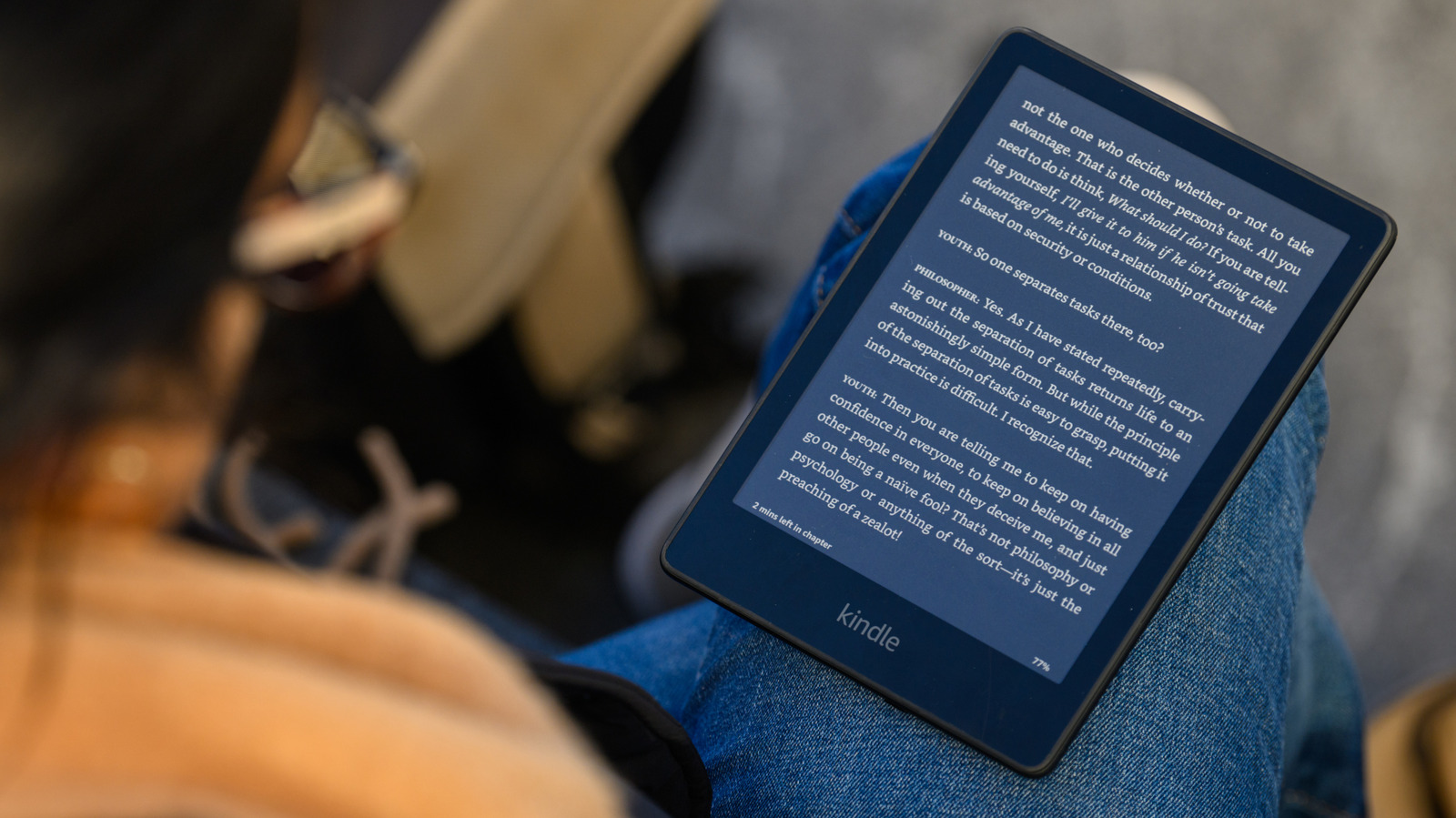
Kindles are great reading devices – they’re lightweight, portable, and easy on the eyes. Plus, they let you ditch the burden of carrying a bunch of physical books around. But when it’s time to upgrade, don’t just stash your old Kindle away. Give it a second life by turning it into a handy digital message board for your kitchen!
Just attach some magnetic strips to the back, then mount it on your fridge door. Unlike newer tablets, Kindles can run for weeks on a single charge, so you can fill it up with grocery lists, menus, reminders, and little notes without worrying about it losing power. This upgrade is super practical and reduces paper waste too.
Transforming your Kindle into a digital message board
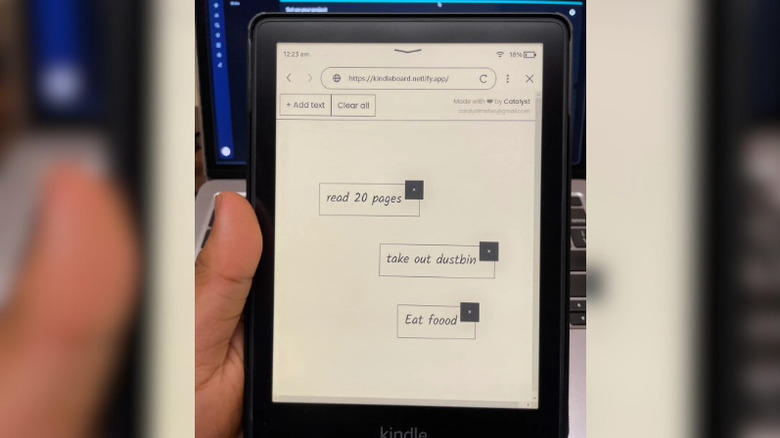
To set up your Kindle message board, first disable the screensaver and keep the display always on. Then use the Kindle’s web browser to access a simple whiteboard site like Miro that’s optimized for e-ink screens. Or, for real-time collaboration where anyone can add reminders, use a shared whiteboard platform like Miro and send a link to the whole household.
Next, attach some heavy-duty magnetic strips to the back of the Kindle, making sure they’re on opposite sides for balance. Once that’s done, just slap it right onto your fridge door. Don’t have a magnetic fridge? No problem – you can put the Kindle message board on your pantry door, kitchen wall, or even your countertop if there’s a nearby outlet to keep it charged.